
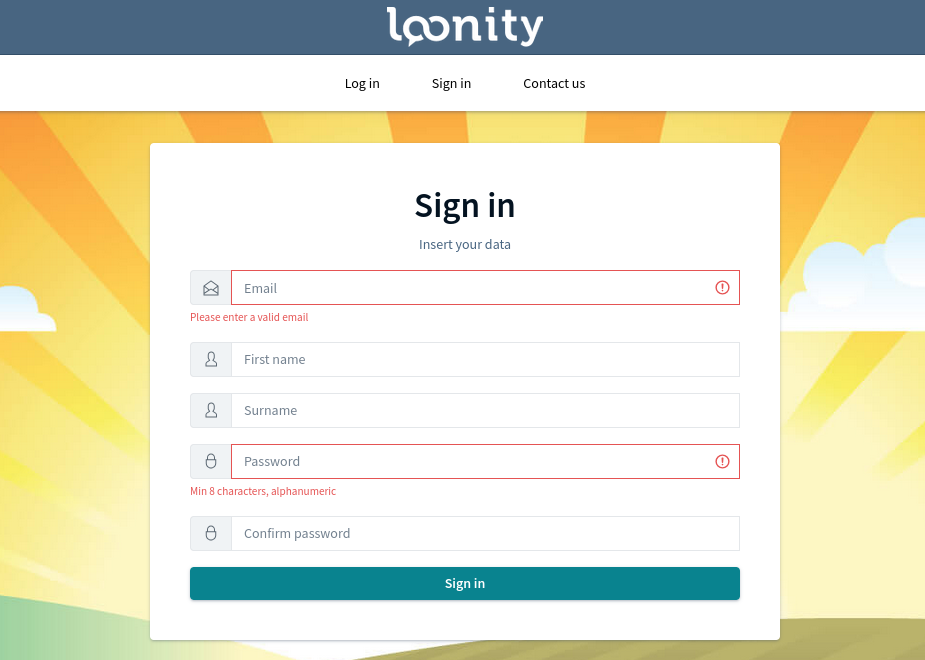
Every individual that registers in Loonity creates a personal user account. The unique identification of a user account happens through the personal email-address and a password that needs to be input in an alphanumeric format and must reach at least the length of 8 characters. Loonity will send a few seconds after signing in an email-address verification message to confirm the registration of a new user through a valid address.
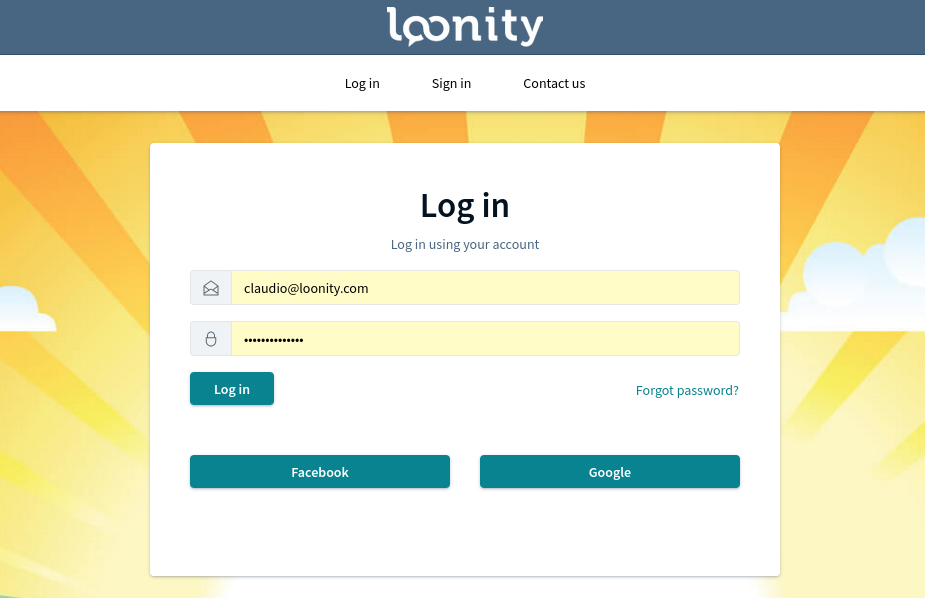
If wished the registration can happen directly from the Log in page using a Facebook or Google account. In this case no verification email will be sent.
When creating the personal account Loonity will detect the language actually used by the browser and set it as the one preferred by the user. The Loonity interface and all email communications will from than on be in English, German, French or Italian (other languages may be integrated later). The user can further set from his account settings menu the parameters
- Nickname;
- Phone number;
- Date of birth;
- insert additional email-addresses;
- or link different social accounts.
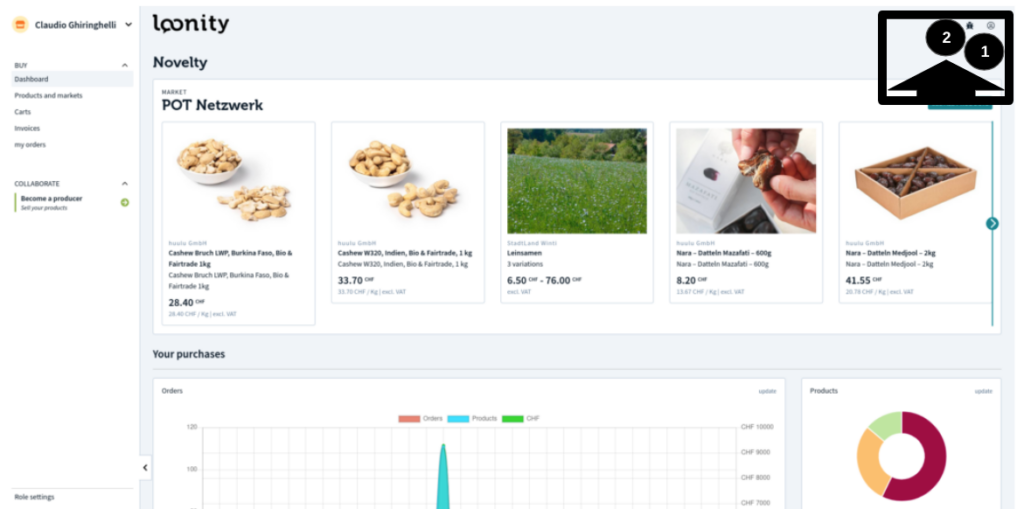
The user account settings in Loonity are accessible from the icon on the top right corner of the screen (1). Clicking on the lifesafer symbol (2) you access the software documentation and the support request button. There everyone can note a software bug to be corrected or share his thoughts about an improvement idea with the development team.
The phone number will be requested as mandatory information for delivery purpose as the user executes the first order in Loonity as well as the birth date in case the order contains products that can be sold only to adults. After this first request these data will be stored and saved in the user profile for future utilization. Because the user Name and Surname need to be real to be used to conclude contracts when confirming an order, the Loonity user has also the possibility to use a Nickname, but this is just for a matter of style ;-).
Another way to create a user account in Loonity is to be invited by someone that is already registered. In this case the person inviting someone will be asked to insert a personal email-address to which Loonity will send an invitation message. Just clicking on the link contained in the message the invited person will be registered as new user, there will be no further need of confirmation, and the newcomer will be a new user in the “family” he was invited from. This will be clarified in the following chapter, it is here important to state that a user can manage his family or families membership from his user profile settings or even create a new one.
Without anticipating too much the content of the next chapters about the family role, let’s make a few examples of a possible good reason to create a second or further family profiles:
- the presence of a second address to receive deliveries such as home and office or the partner’s apartment;
- the address of the elderly parents that are not skilled enough to execute orders on an information platform.
Once the personal account is created you can access to the markets and interact as a customer, or improve to an active role and cooperate as producer, market of distributor.

 English
  Deutsch (Schweiz)