
You can print the picking list and delivery notes by clicking the “print” button in the products table and orders table on the order management page.
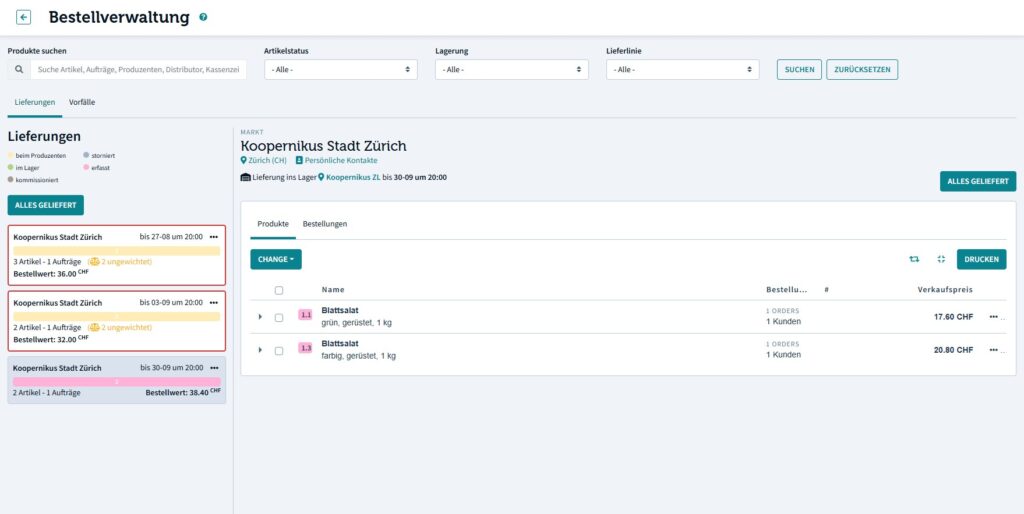
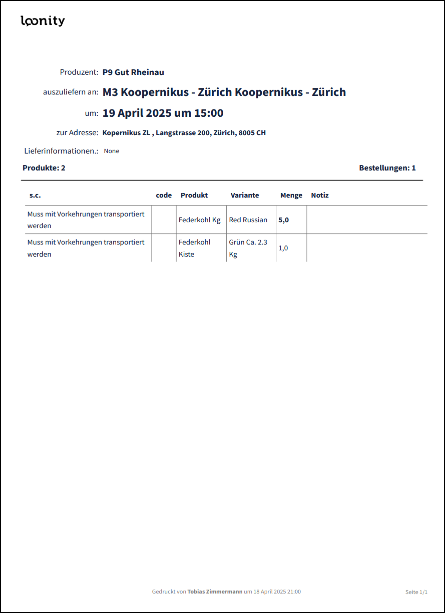
The picking list lists all products of all orders for the ordering round. It is intended to be used as a help to pick products from storage or from the field. You can pick the total amounts to be commissioned into separate orders later.
The list also shows the deadline until when the orders have to be prepared and other useful information.
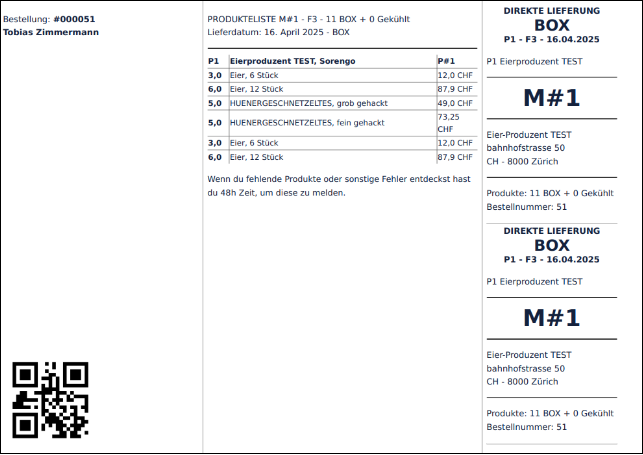
The delivery note shows the list of ordered products for each order. It is intended for double checking orders and you place it in the box to be shipped with the order.

 English
  Deutsch (Schweiz)