
One of the most important tasks as a producer is to manage your product catalog. Loonity offers comprehensive tools to manage very detailed product data. This section highlights the most important aspects of the product creation process.
You can reach your product catalog by clicking “Your products” in the collaborate menu.
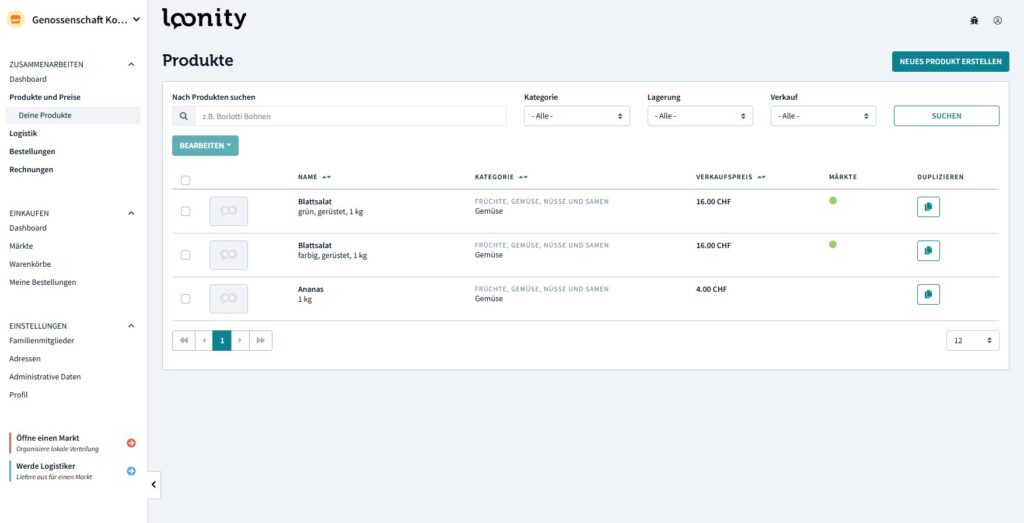
Your product list gives you a quick overview of all your product variants (more about variants here) in your catalog. You can also see in which markets the product variant is currently on offer by hovering the green circle. If you cannot see a green circle, the variant is currently not being offered on any markets.
Creating / Editing a product #
In order to create a new product you have to either click on the “Create new product” button in the top right or duplicate an existing product. In most cases, duplicating an existing product is the more efficient approach.
To edit an existing product, you can simply click on the product title. Once you have created / duplicated / clicked on the title, you will see the form, that allows you to edit the product data.
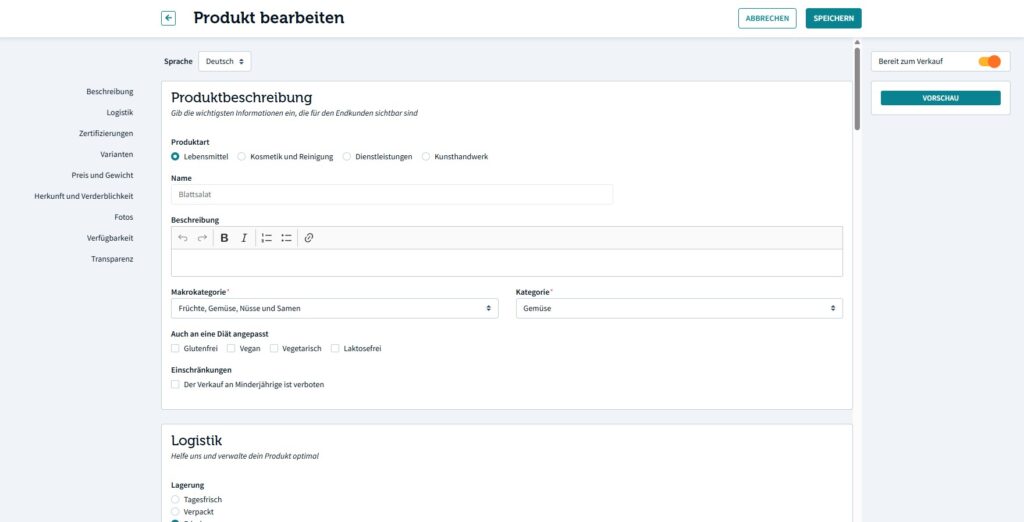
Main product data #
In the first section you enter important data such as product title, type, description and category. If you want, you can save the data in multiple languages.
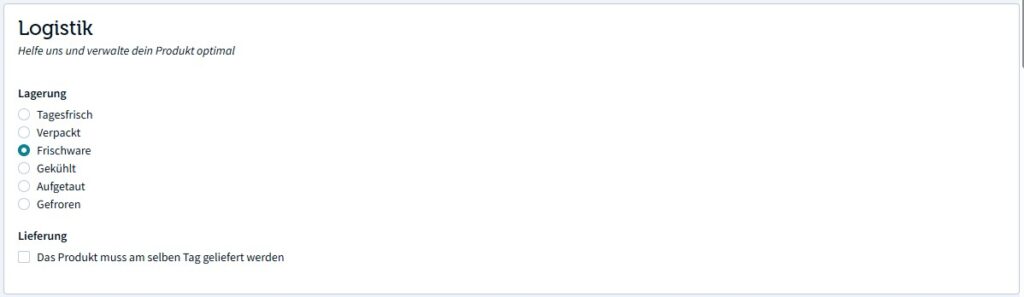
Logistics #
In this section you can define how the product shall be transported. This information is mandatory and has important effects how the product is handled while Loonity creates picking lists and delivery notes.
Certifications #
In this section you can select which certifications the product has. If a certification is missing in the list, you can contact Loonity support for it to be added.
Variants #
All products in Loonity have at least one variant. Using variants allows you to administer your product catalog very efficiently. If you sell different kinds of tomatos for example, they most likely share a lot of the product attributes. Instead of creating a product for every type of tomato, you can then create just a single tomato product and manage all the different variants without having to change pages.
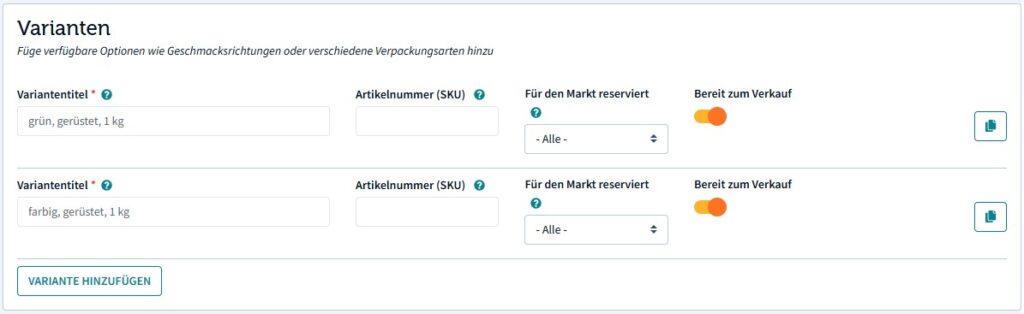
For each variant, you can define the following attributes:
- Title: The variant title (mandatory)
- Article number
- Whether the variant is specially reserved for a market (can be used to sell the same goods at different prices in different markets)
- Availability: Whether the variant is currently for sale or not
In order to speed up the process of creating variants, you have the option to copy them.
Weight and price #
Goods can be sold either by piece, package or by weight. Piece and package essentially function in the same way: The product is sold in fixed units to a defined price (e.g. 500g at CHF 12.50).
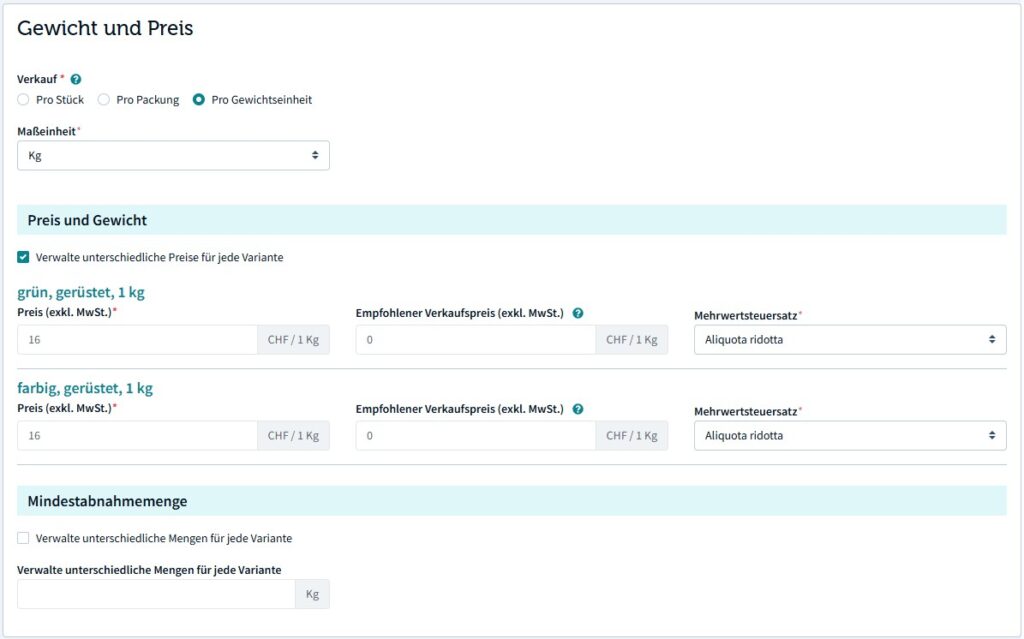
If you want to sell a product per weight unit, you allow the customer to freely select the amount that they want to buy. You have to select a unit and define a price for that unit.
By selecting “per weight unit”, you allow yourself to enter the actual weight of the product in your recieved orders. If, for example, a customer orders 1.2kg of tomatos and you package 1.22kg, you can the enter the correct weight. The customer will then be billed the exact amount.
Lastly you can define, if the customer must order a minimum amount of the product. This is especially useful for products sold per weight unit to prevent customers from ordering ridiculously small amounts.
Origin and perishability #
This section is largely self-explanatory: You select whether the product is made by yourself, a national producer or if it’s an imported product. If the product is not made by yourself, you may enter the name of the original producer.
For legal reasons, you have to declare a guaranteed period of time before your product is no longer safely consumable.
Images #
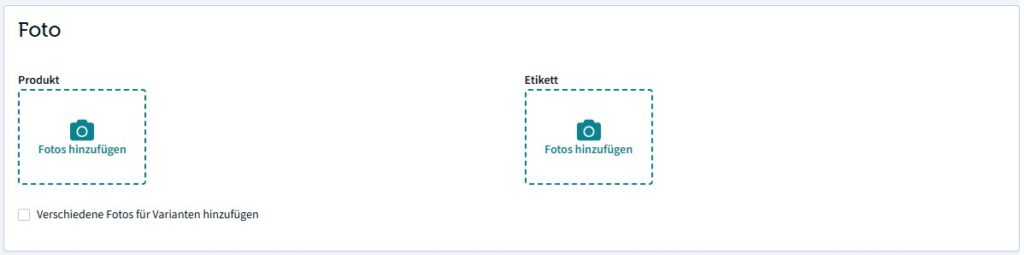
You can upload one picture per product / variant. In addition to that, you can upload a picture of the product label, which makes it easy for you to communicate ingredients and nutritional values.
Availability #
In this section you can manage the availability of the product or variant in two different ways:
- Quantity: You can define if your product is available in a fixed quantity (in sum), e.g. you have 200kg of tomatos in total and when they are gone, they are gone. Or you you define a quantity per delivery, e.g. 10kg of tomatos per ordering round.
- You can define a seasonal availability
Transparency #
This section allows you to communicate very detailed transparency information (price, ecological and social aspects) on the product level.

 English
  Deutsch (Schweiz)